



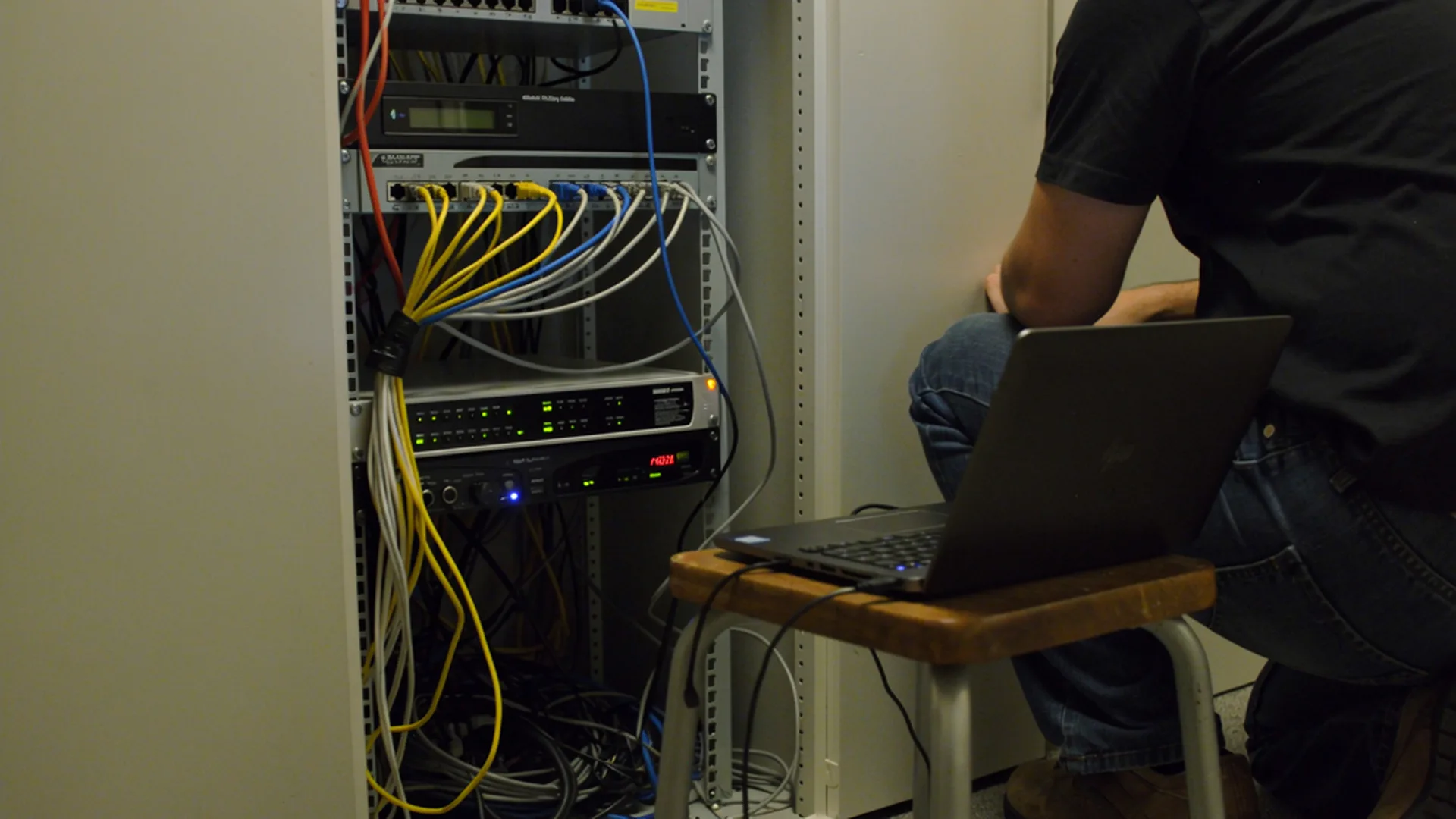


Good IT support for a small office should give you a help desk, regular updates, tested backups, account security and one clear person to call. Big projects, new hardware, software licenses and after-hours work are usually extra, so ask what the price covers before you sign.

Most offices with 5 to 50 people choose between three options. You can call a tech when something breaks, pay for a help line, or hire a company to manage IT for you. The trouble starts when you pay for one and expect the results of another.
Three ways small offices buy IT support
Break-fix: pay when something breaks
A break-fix tech comes when you call and bills for the hours. You pay nothing in a quiet month. But nobody checks between calls that updates installed or that last night's backup worked. Costs are hard to plan, and the biggest bill lands in your worst week.
A help line: someone to call
Some plans give your staff a phone number or chat line for questions. That helps with password resets and quick questions. But a help line answers the phone. It may not do the upkeep that prevents the next call.
Managed IT: ongoing care for a monthly fee
A managed IT provider looks after your computers, network and accounts for a monthly fee. They watch for trouble, install updates and check backups as part of the plan. The help desk comes with it. You pay every month, even quiet ones. In return, the provider has a reason to prevent problems, because fixing them costs the provider time.

What good IT support covers
Whatever the model, good support should cover the jobs below. If a plan leaves one out, find out who handles it instead.
A help desk your staff can reach
Your team needs one known way to ask for help, such as a phone number, email address or ticket form. This also guards against scams. Criminals call or show pop-up warnings while pretending to be tech support. In 2025, people reported more than $2.1 billion in losses from tech support scams, according to the FBI's 2025 Internet Crime Report. When staff know who your real support is, a fake call is easier to spot.
Updates and monitoring
Computers, servers and network gear all need updates. CISA, the federal cyber defense agency, calls patching "one of the most cost-effective practices" to improve security (CISA). Good support installs updates on a schedule and checks that they worked. It also watches for warning signs, like a full disk or a failing drive.
Old systems need a plan, too. Microsoft ended support for Windows 10 on October 14, 2025. Businesses can pay for Extended Security Updates to keep getting security fixes. As of October 2026, Microsoft lists the price at $61 per device for the first year, and the price doubles each year for up to three years. Buying in year two means paying for year one as well. The program does not include technical support. Your IT support should tell you which machines still run Windows 10 and help you plan replacements.
Backups that get tested
A backup only helps if you can restore from it. CISA says "it's critical to regularly test partial and full restores." Ask how often your provider tests, and ask to see the results. The FTC also advises keeping backups separate from your network, so one attack can't reach both.
Account security
Basic security is part of support. The biggest single step is multi-factor authentication, or MFA. That is the code or app prompt you use along with your password. CISA calls making all staff use MFA on key systems "the most important step an organization can make" (CISA). In a 2023 Microsoft study, MFA reduced the risk of account compromise by 99.22% across the accounts studied. Good support turns MFA on and helps each person set it up. A full security plan goes further, but this is the base.
Email, accounts and licenses
New hires need accounts on day one. People who leave need theirs shut off that day. Good support handles both. It also tracks your Microsoft 365 or Google Workspace licenses, so you don't pay for seats nobody uses.
Network and devices
Your Wi-Fi, firewall and computers are part of the job. Support should keep a list of what you own and how old it is. CISA's Cyber Essentials lists that kind of inventory as a basic step. With a list, you can replace a machine before it dies. And when the internet drops, support should call the provider, so your staff don't spend an afternoon on hold.
A written promise
A service level agreement, or SLA, puts the promise in writing. NIST describes it as defining the level of service, "such as the time to recover from an operational failure." Response time is how fast someone gets back to you. Fix time is how fast the problem is solved.
Here is a made-up example. A provider promises a one-hour response. They call back in 40 minutes, but your printer stays broken for two days. They kept their promise, and you still can't print.

What is usually extra
Most plans cover upkeep and everyday help. These items are often billed on top:
- New computers, servers and network gear
- Software licenses, such as Microsoft 365 seats
- Big projects, like an office move, a new network or an email migration
- Work outside business hours
- Office visits, if the plan is remote only
- Extended Security Updates for Windows 10 machines
None of these is a red flag. Just get the list in writing before the first bill.
Questions to ask before you sign
- What does the monthly price cover, and what costs extra?
- How do my staff ask for help, and who answers?
- What is your response time, and do you promise a fix time?
- How often do you test backups, and can I see the results?
- How will I know updates installed?
- Do you turn on MFA for every account?
- Who holds our admin passwords if we leave?
- How long is the contract, and how do we end it?
How we handle IT support at Xtego
Xtego Creative is based in Williamsport and has been in business since 2009. Our IT services are for small businesses in Central Pennsylvania, and we typically serve 5-50 employee organizations.
Our IT services page lists what we provide:
- Ubiquiti UniFi Wi-Fi and network design, install and management
- Dell and Lenovo PC buying and setup
- 24/7 SOC monitoring with MXDR and EDR
- Patching and maintenance
- Sophos firewalls, plus endpoint and email security
- One consolidated monthly bill
We also set up and support Microsoft 365 and Google Workspace, including multi-factor authentication. We are a Microsoft and Google partner, and a Dell, Lenovo, Sophos and Ubiquiti partner. Your point of contact is our in-house team. Current clients open tickets on our support page.
Not sure what your current setup covers? Contact us about your own office. Tell us how many people you have and how you get help today, and we can talk through what fits.
Frequently Asked Questions
How much does small business IT support cost?
It depends on how many people and devices you have and what the plan covers. Break-fix bills by the hour, while managed IT usually charges a monthly fee per user or per device. Compare plans by what they include, not just the price. A cheaper plan that skips backups or updates can cost more after one bad day.
Is my business too small for managed IT support?
Often, no. Even a five-person office has email, accounts, computers and files to protect. Many providers work with offices that size. If you have only two or three computers, a good break-fix tech plus tested backups may be enough.
We already have an IT person. Can you work with them?
Many small offices have one person who handles IT on top of another job. Ask any provider which tasks they would take and which your person keeps. Get that split in writing, along with who has admin access to what. That keeps work from falling through the gaps.
Is there a minimum contract?
It varies by provider and by service. Some bill month to month, and others ask for a year or more. Ask how long the term is, how to cancel and what happens to your accounts and data when you leave. Get those answers in writing from any provider, us included.